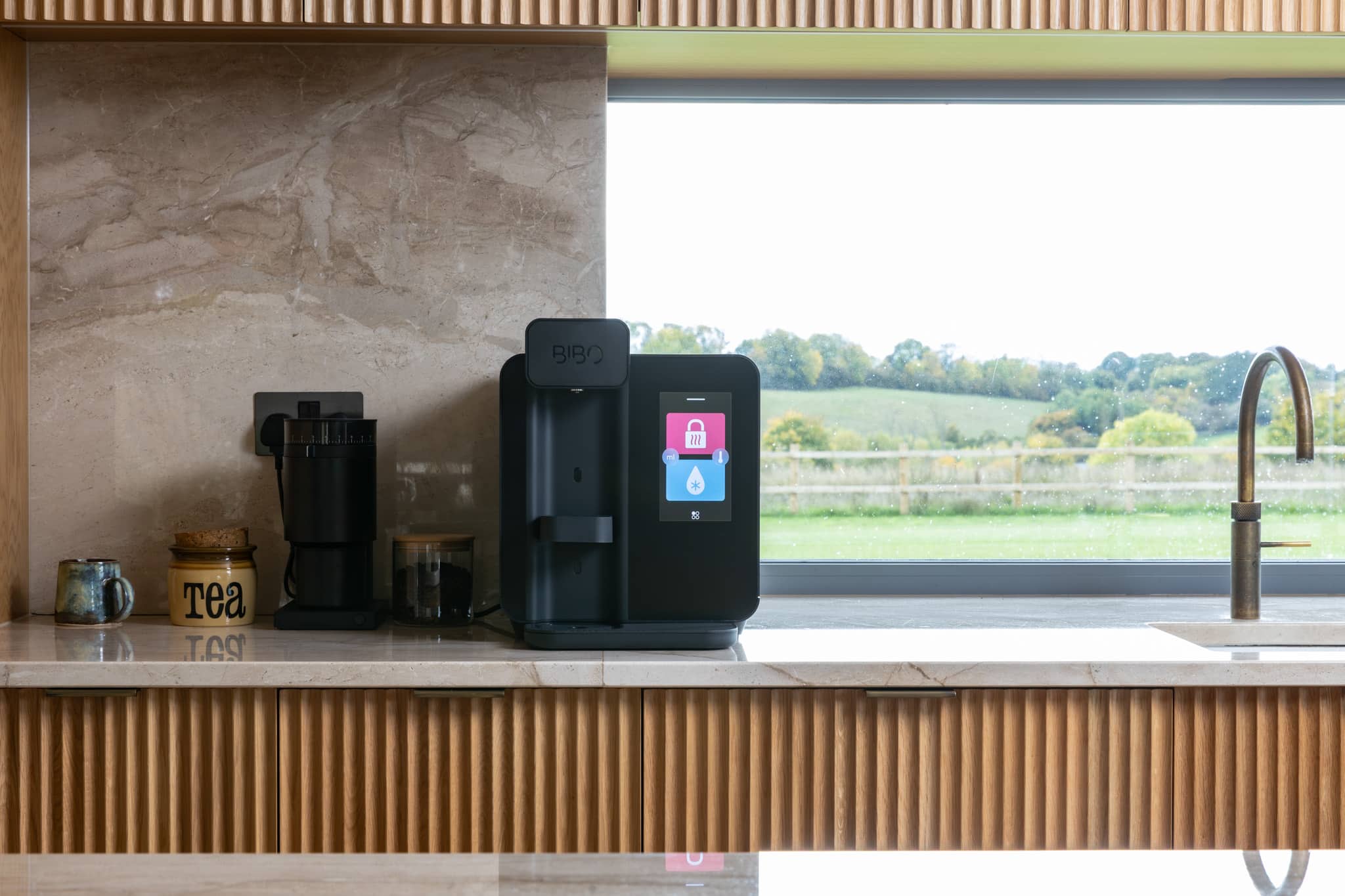
BIBO bar
 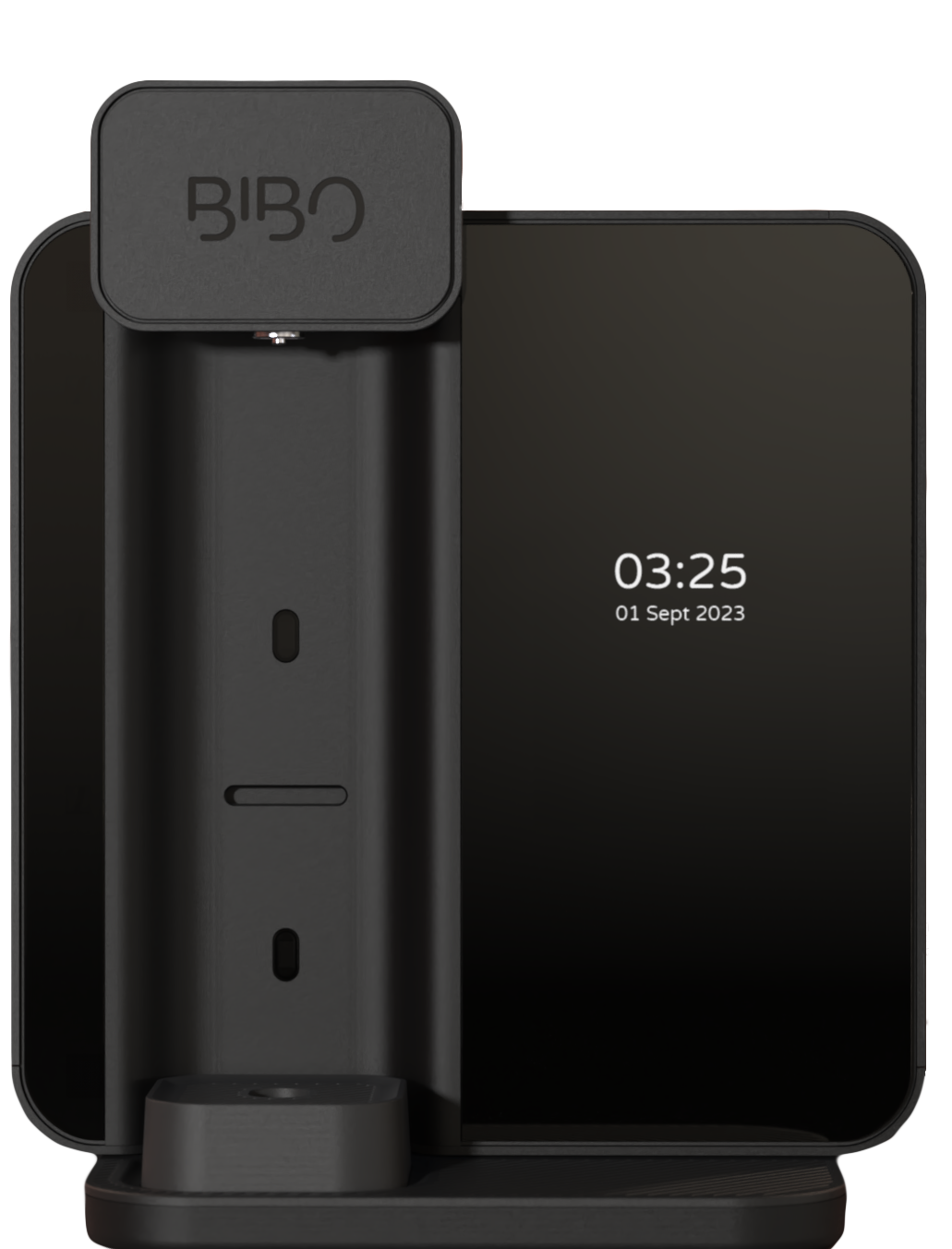 BIBO X
  BIBO express
  BIBO fizz
  BIBO fizz
  BIBO hotshot
  BIBO hotrock
  BIBO crystalrock
10. Maintenance
You can access filter information and maintenance functions via: Settings → MAINTENANCE
10.1 Filter status
- Filter ID
- Filter Life %
- water used in litres
- estimated days remaining
Estimated life remaining
The “days remaining” value is based on whichever limit is reached first:
- the filter’s remaining calendar life
- the remaining capacity based on actual usage (up to 10,000 litres)
In most domestic use, the calendar life is typically the limiting factor. In higher-usage environments, the volume-based estimate may become the limiting factor.
10.2 Order a filter
Selecting Order a Filter takes you to a QR code screen that links to the BIBO shop website.
10.3 Change Filter
Selecting Change Filter starts the guided on-screen filter replacement process. Your BIBO X provides step-by-step instructions directly on screen.
10.4 Cleaning Mode
Selecting Cleaning Mode starts the machine’s guided on-screen cleaning process. As with filter replacement, the detailed steps are guided on screen and are not repeated in full in this manual. Your cleaning consumables will come with applicable instructions.
10.5 Purge Mode
Purge Mode is a reminder function that helps keep water fresh after periods of inactivity.
You can enable Purge Mode by tapping the toggle. You can set how many days of inactivity you would like to trigger the reminder. When the reminder is triggered you will be prompted to flush water through the machine.
Notes:
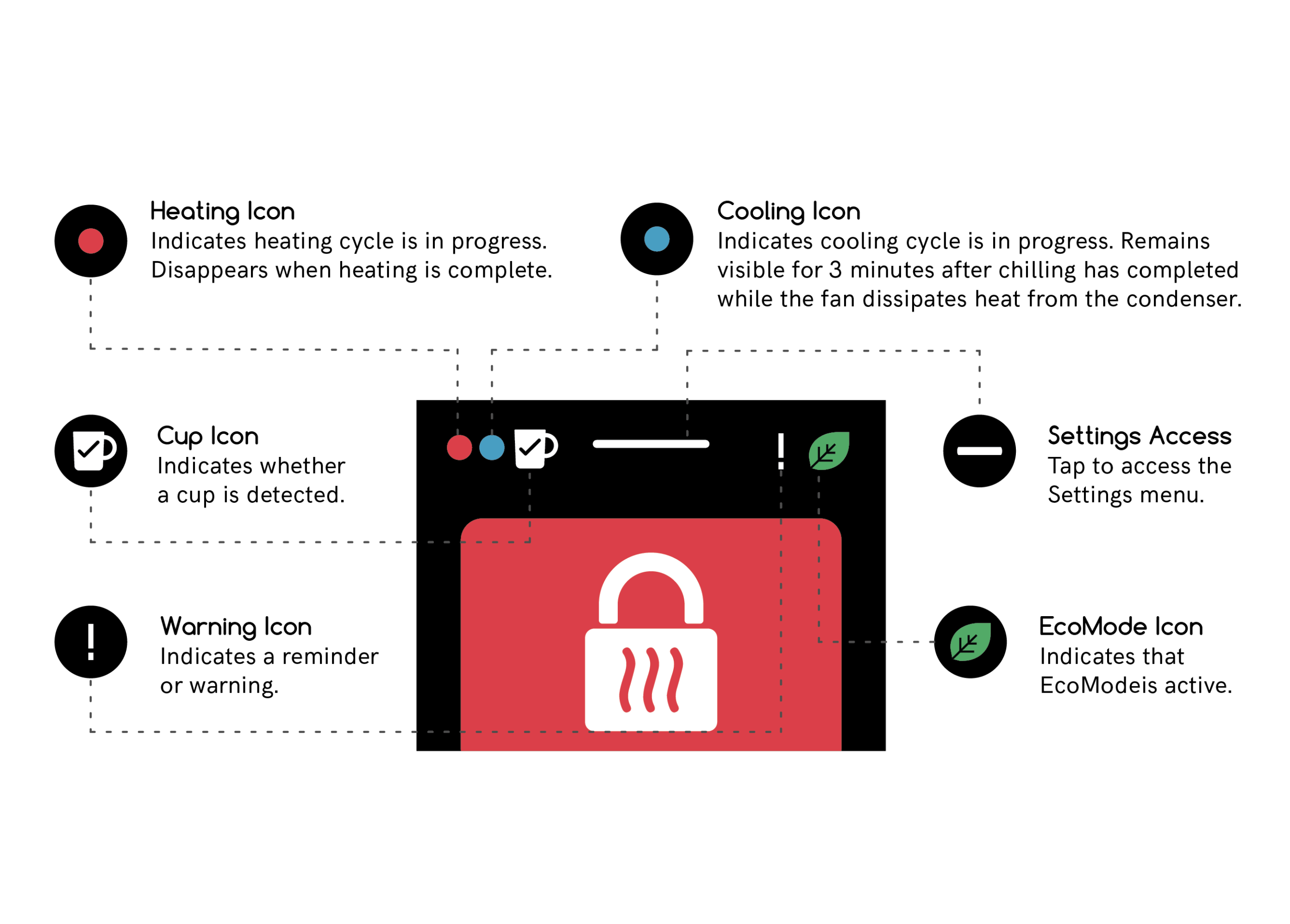
- if you dismiss the reminder, it will remain pinned to the Home screen as a warning icon until the flush process is completed.
- you can abort the process by pressing START, then PAUSE, then ABORT.